An Invisible Risk
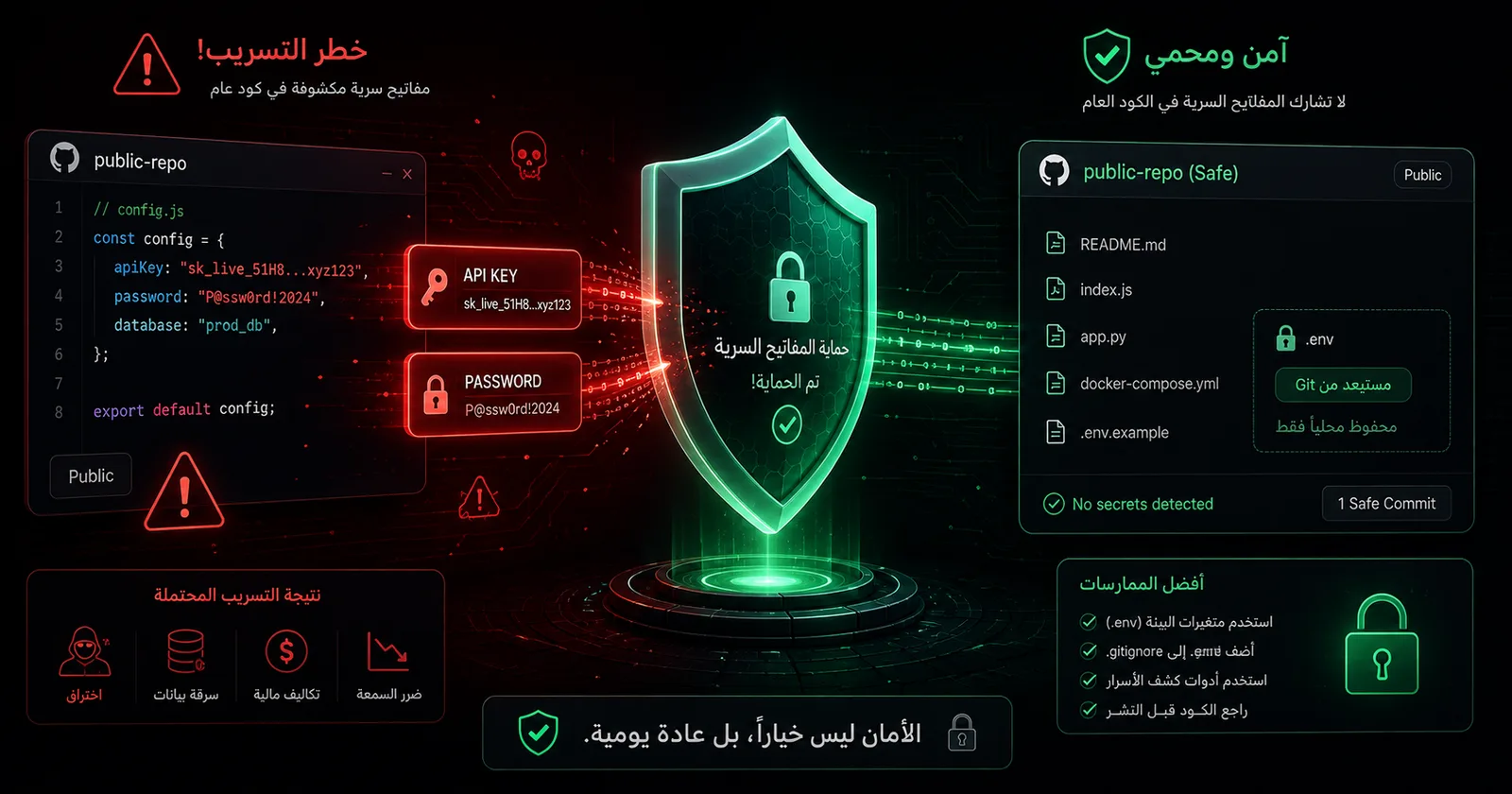
When I decided to upload my local projects to GitHub, the first thing I thought about wasn't the code — it was what hides between the files. A small .env file, or one forgotten config line, can carry an API key or a database password. Once that enters Git history on a public repo, it's available to everyone — even if you delete it later, it lives in the history.
My security certifications taught me one rule: any key a public repo has touched is a burned key. Deleting isn't enough; you must rotate it.
The Pre-Push Review
Before publishing any project, I set a strict checklist. For each folder I ask: does it contain a real .env file? Tokens? Passwords? Client data or personal information?
Anything with secrets took one of three paths: sanitization (replacing real values with a .env.example and dummy data), staying private, or not being uploaded at all if it held un-sanitizable client data.
Tools That Protect You
The first barrier is a well-tuned .gitignore — it stops env files and secrets from entering in the first place. The second is reviewing git status before every commit. And if a secret does leak into history, a tool like git filter-repo scrubs the entire history — but the rule stands: clean the history, then rotate the key.
The Takeaway
Security isn't a final step bolted on after pushing — it's part of the publishing process itself. One minute of review can save you from a leak that costs an entire account or a client's trust. When you build with a security mindset from the start, safe publishing becomes a habit, not a burden.