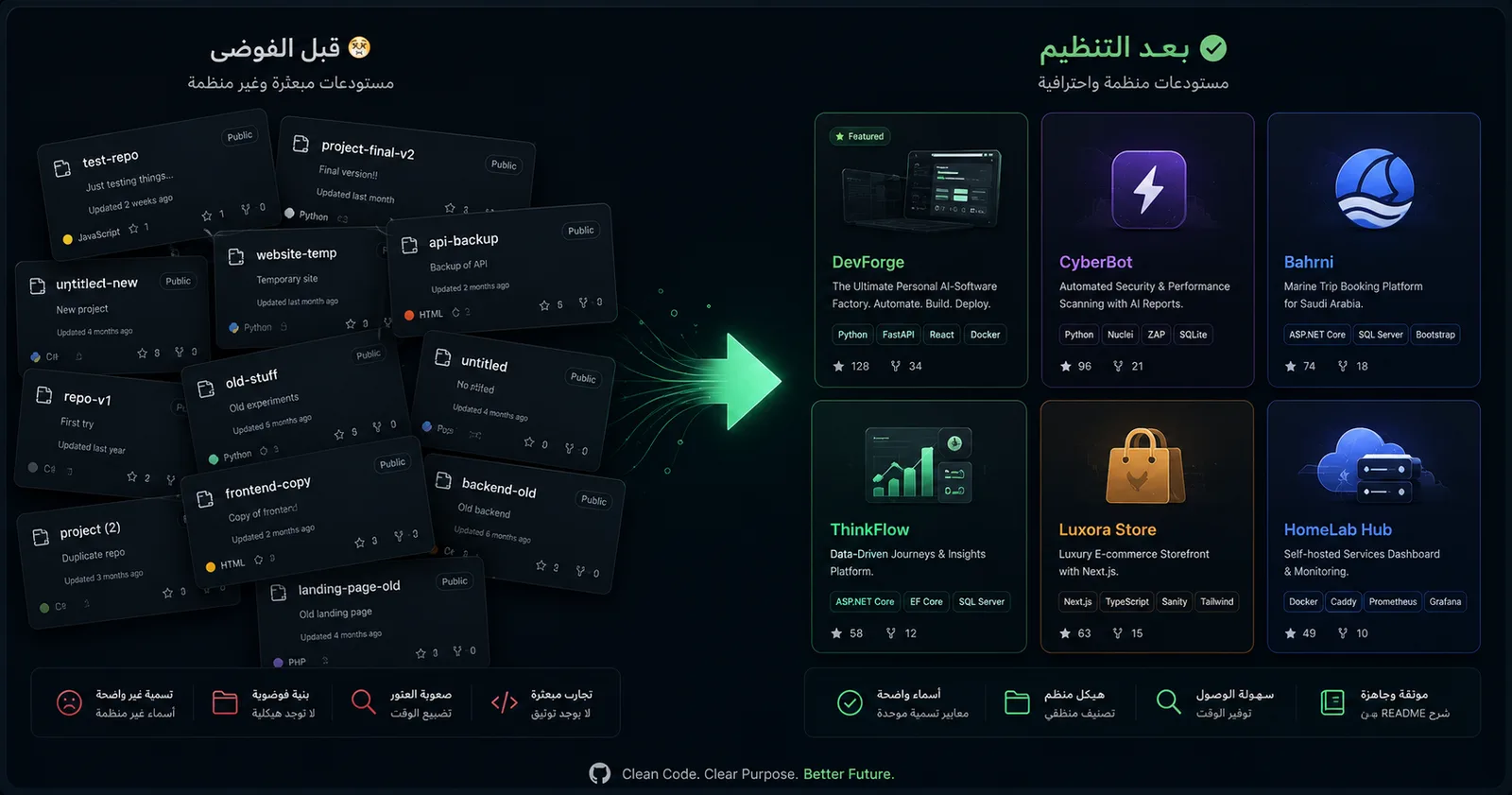
The Problem: An Account That Didn't Reflect My Level
My GitHub told the wrong story about me. Eighteen public repos, most without descriptions, topics, or links. A visitor would see scattered Git-practice repos next to real work — and assume I was a beginner.
The irony: my strongest work wasn't even visible. Client platforms, Raspberry Pi automation systems, security tooling — all trapped on my local machine.
The problem wasn't a lack of work. It was presentation.
Step One: Clean Before You Add
I started with the basics everyone ignores. Every public repo needs three things: a clear one-line description, a set of topics for discoverability, and a live link where relevant. I added all three to every project.
Then the harder call: archiving practice repos. Seven Git-learning and old-exercise repos were weakening the first impression. I archived them all — not deleted, just hidden from the front while kept on record.
Step Two: Surface the Real Work
The profile README is the first thing a visitor sees. I rewrote it entirely: a title reflecting my Full-Stack positioning, a "Featured Work" table with my six strongest projects and links, stats cards, and my certifications and Tuwaiq Academy graduation front and center.
I pinned my best six repos and ordered them so a live, deployed project leads.
Step Three: Upload the Hidden Inventory
This was the biggest shift. I uploaded my strong local projects to GitHub — but not blindly. Each passed a security review first: any keys, passwords, or client data? Anything with secrets was sanitized or kept private; anything clean went public.
The Takeaway
Your GitHub isn't a code archive — it's a professional interface. Organization, clarity, and correct presentation matter as much as the code itself. Sometimes you don't need to write a new line — you just need to show what you've already built.